
Evaluate Earn Rules Expression
To assist with writing Groovy expressions for Earn Rules, the platform provides a built-in tool that can be used to validate the expression, and ensure that it's evaluating Members and Activity Types as expected.
To evaluate a Groovy expression:
-
Select Rules from the top navigation bar, then select Earn Rules from the side navigation menu. The Earn Rules screen is displayed.
-
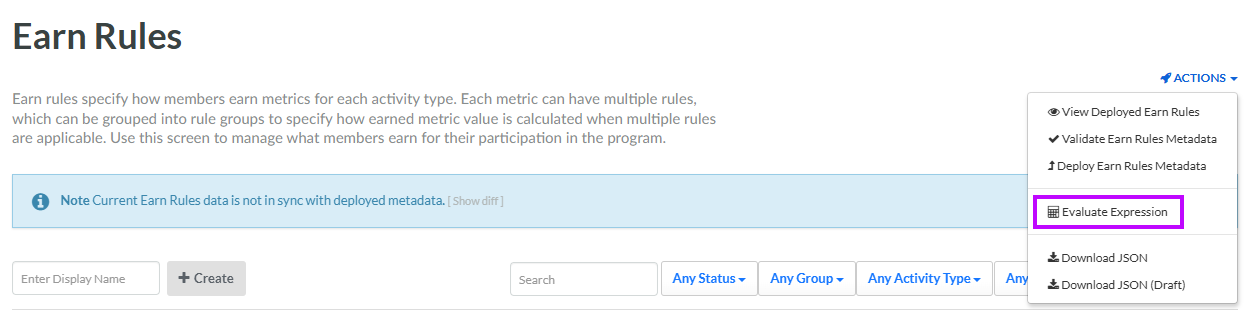
From the Action drop-down menu in the top-right corner of the screen, select Evaluate Expression. The Evaluate Expression pop-up window is displayed.
-
In the Expression field, enter your Groovy expression.
-
In the Member drop-down menu, enter at least three characters of a Member's first name or last name. Select the desired Member from the search results.
-
Optionally, from the Activity Type drop-down menu, select the desired Activity Type. The Activity JSON field is displayed and populated with the standard API payload for the selected Activity Type.
-
If you selected an Activity Type above, in the Activity JSON field, enter the desired JSON values.
-
Click Evaluate. The platform evaluates the Groovy expression. If the expression is valid, the platform also displays the results (True or False) in the Result field. If the expression is invalid, the platform displays an error message indicating the nature of the problem.
-
When finished, click Close.
